It is possible to define a time, in minutes, that the smart contact must wait for the user's response before moving to a new state.
This configuration is allowed in any block that is not for human assistance or the starting block.
To use it, you must follow these steps:
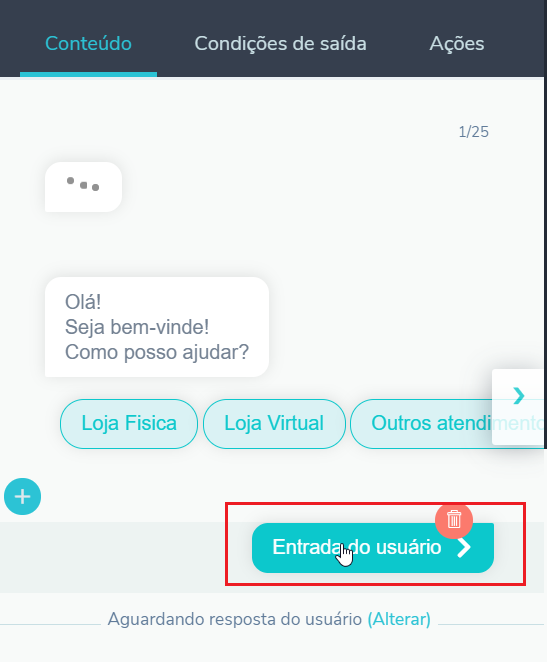
1. Access User Input in the content tab
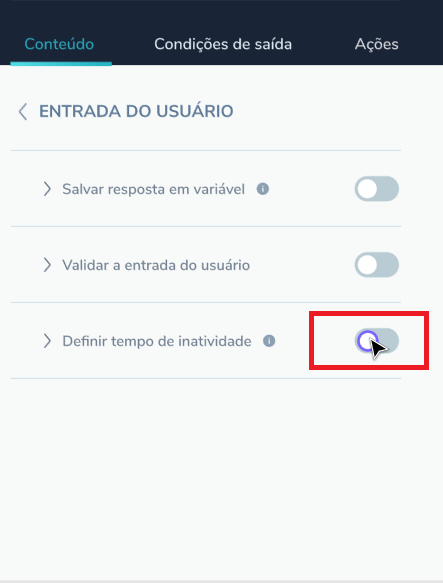
2. Enable the feature
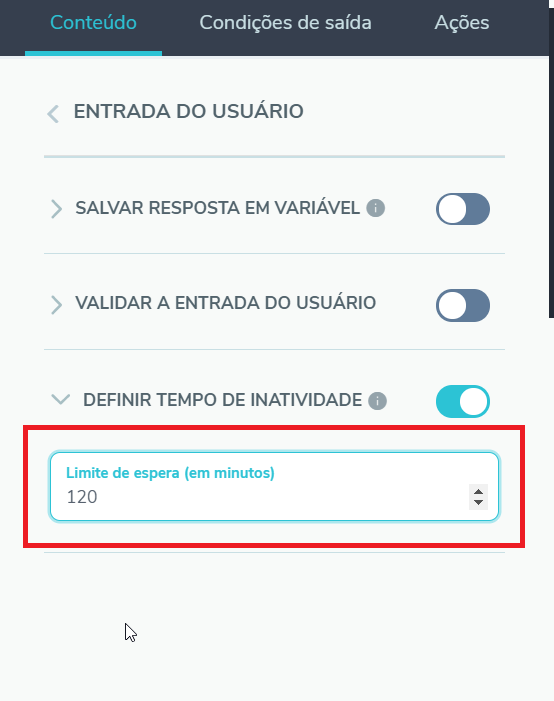
3. Fill in the number of minutes to wait for the user to respond.
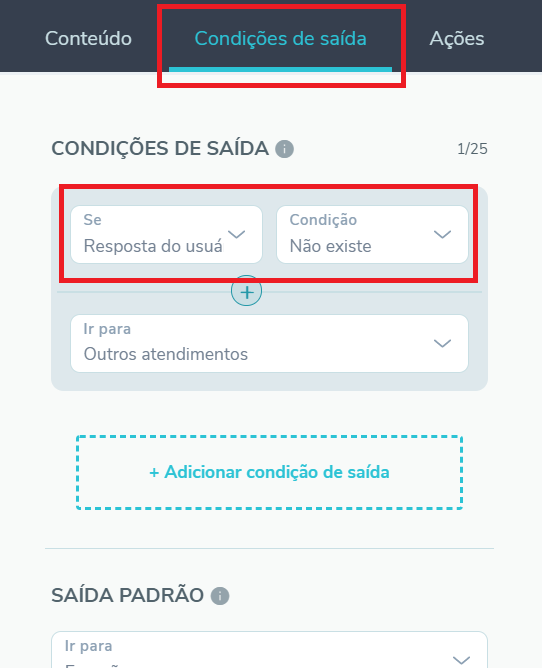
4. On the Exit Condition tab, fill in the rule to be followed with the condition
If = User response

Condition = Does not exist