Index:
- Chat plugin
- Discover tab
- Search
- Facebook Pages
- Click-to-Messenger ads
- M.me links
- QR Code
- “Contact us” plug-in
The Messenger Platform will allow your bot to send messages to a person only if they initiate the conversation first, at least once. To help, there are several ways to interact with Messenger, facilitating contact between companies and their customers.
Chat plugin
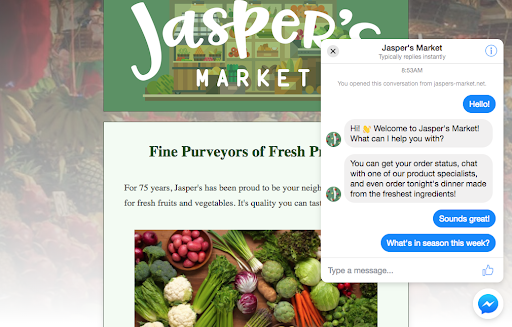
The chat plugin on the Messenger platform allows you to integrate your Messenger experience directly from a web page. This allows customers to interact with the company at any time with the same personalized and advanced experience that they have in Messenger.

Discover tab
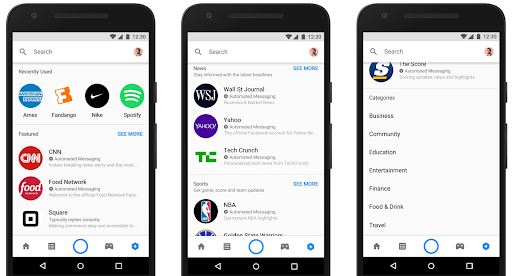
On the Discover tab, people can browse and find Messenger bots, nearby locations, and businesses to send messages to.

Search
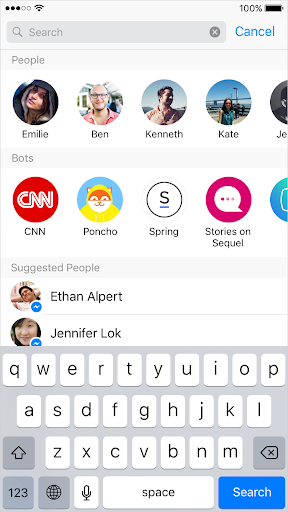
Your bot can also be discovered by users through searches on Messenger. While typing in the search box, a type-ahead dialog will appear that allows people to find your bot.

Facebook Pages
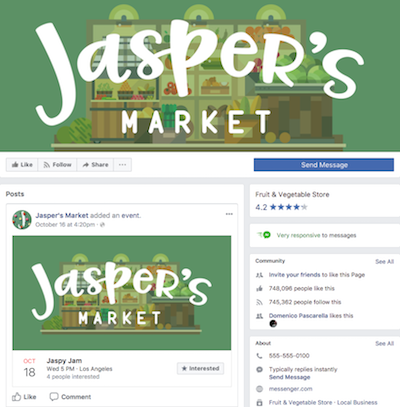
Many people will find the bot through the Facebook page, often through a search or a post in the news feed. You must define "Send message" as the call to the main action on the page.

Click-to-Messenger ads
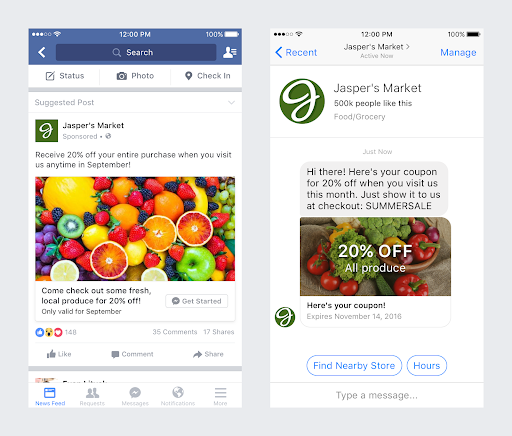
You can use click-through ads for Messenger to start conversations at scale, taking advantage of Facebook’s targeting to find relevant customers for your companies.

M.me links
You can add m.me links anywhere that hyperlinks work. They link people to the bot, whether they are on mobile or on the desktop.


QR Code
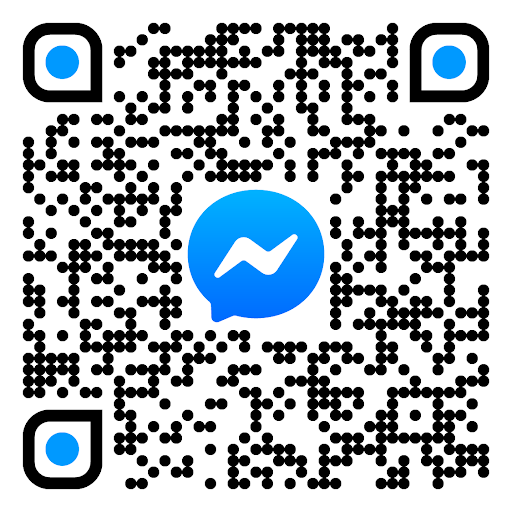
The m.me links can be embedded in QR Codes, which, when read by cell phone cameras, take users directly to conversations with the bot in the Messenger app.

“Contact us” plug-in
It is possible to add a button to web pages that, when clicked, directs users to chat with the bot in Messenger.


For more information, visit the discussion on the subject in our community or the videos on our channel. 😊